
Cyber Resource Center
Browse free cybersecurity labs and guides from CyberTekie. You can browse the previews, covers, and topics here; the full PDF download is free with store checkout, and completing checkout creates your account.
Every resource below is free. Add it to your cart, complete the free checkout, and the full PDF will be available in My Account / Downloads.
Free labs and guides
Digital Forensics
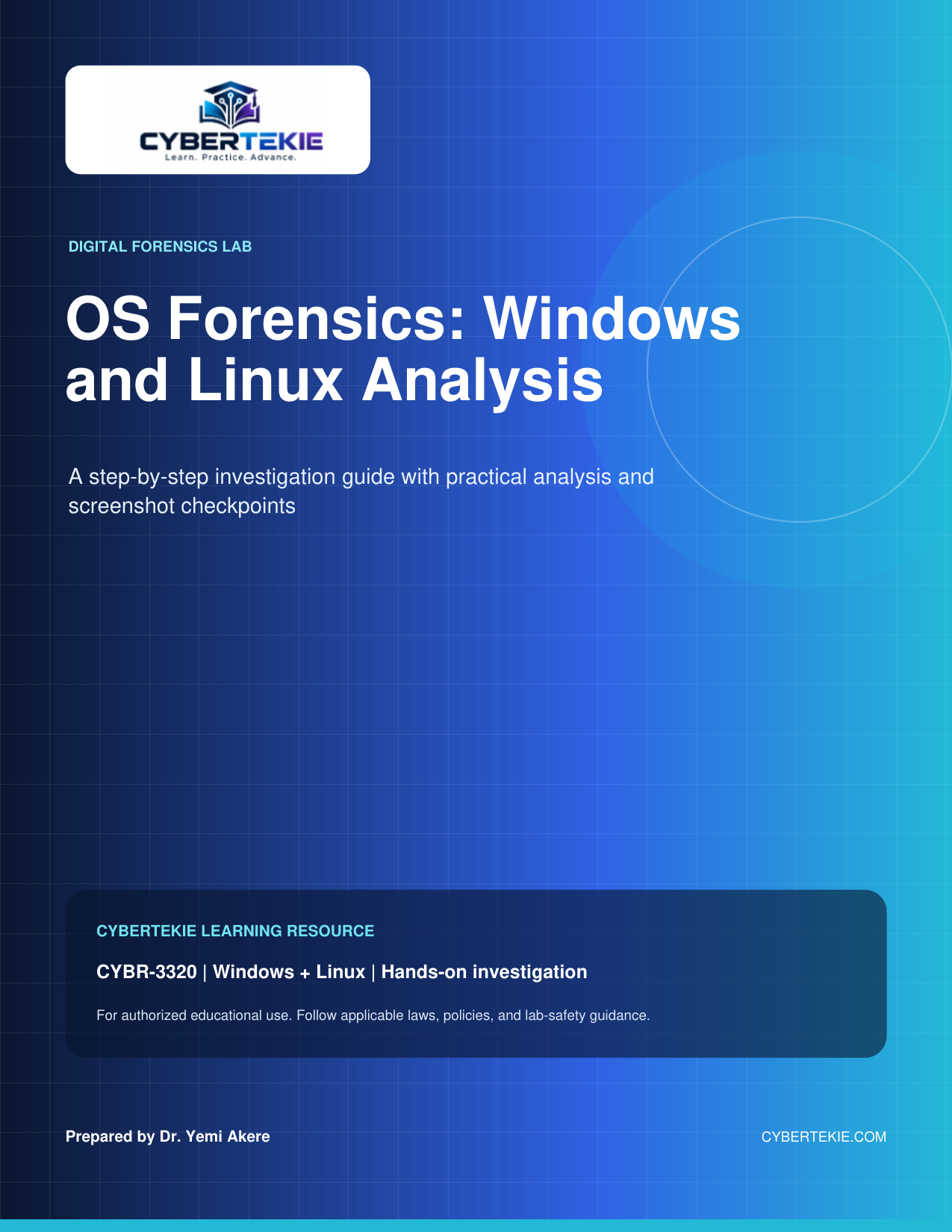
OS Forensics: Windows and Linux Analysis
27 pages · CYBR-3320 · Hands-on investigation
A step-by-step investigation guide with screenshot checkpoints for CYBR-3320. Perform a structured forensic review across Windows and Linux artifacts from the same simulated investigation, correlating registry evidence, log evidence, file-system traces, and recovered artifacts into a unified timeline and report.
Topics
- Windows Registry analysis
- Linux authentication, service, and application logs
- File-system traces
- Artifact recovery and validation
- Unified timeline creation
- Final lab report
Vulnerability Management
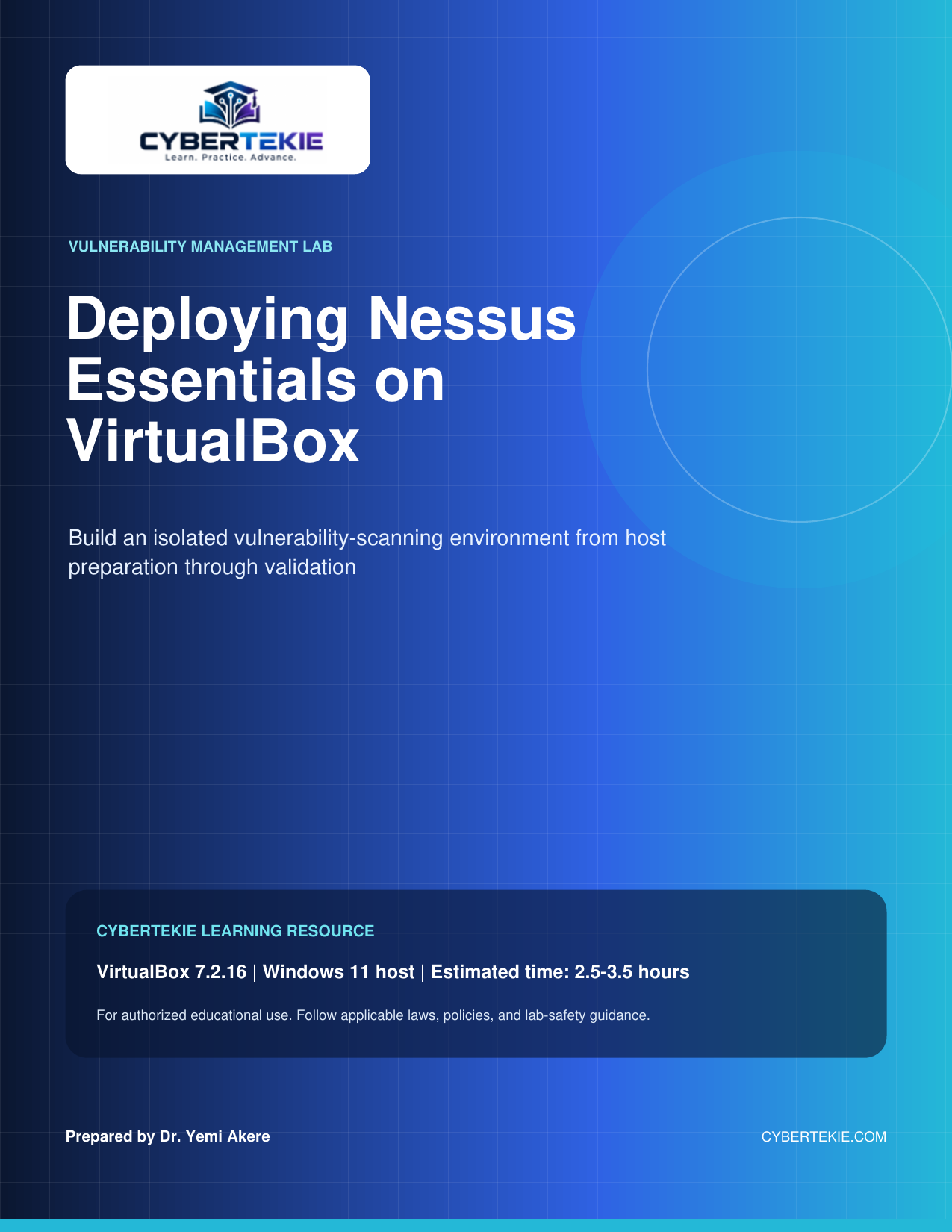
Deploying Nessus Essentials on VirtualBox
22 pages · 2.5–3.5 hours
Build an isolated vulnerability-scanning environment on a Windows 11 host with VirtualBox 7.2.16, from host preparation through validation. The guide covers creating the scanner VM, installing Ubuntu Server 24.04 LTS and Nessus Essentials, building a target VM, running a first scan, and analyzing the results.
Topics
- Host preparation and virtualization
- VirtualBox and Extension Pack installation
- Scanner VM and Ubuntu Server 24.04 LTS
- Nessus Essentials registration and activation
- Metasploitable 2 target VM
- First vulnerability scan
- Results analysis and triage
- Snapshots and maintenance
Wireless Security
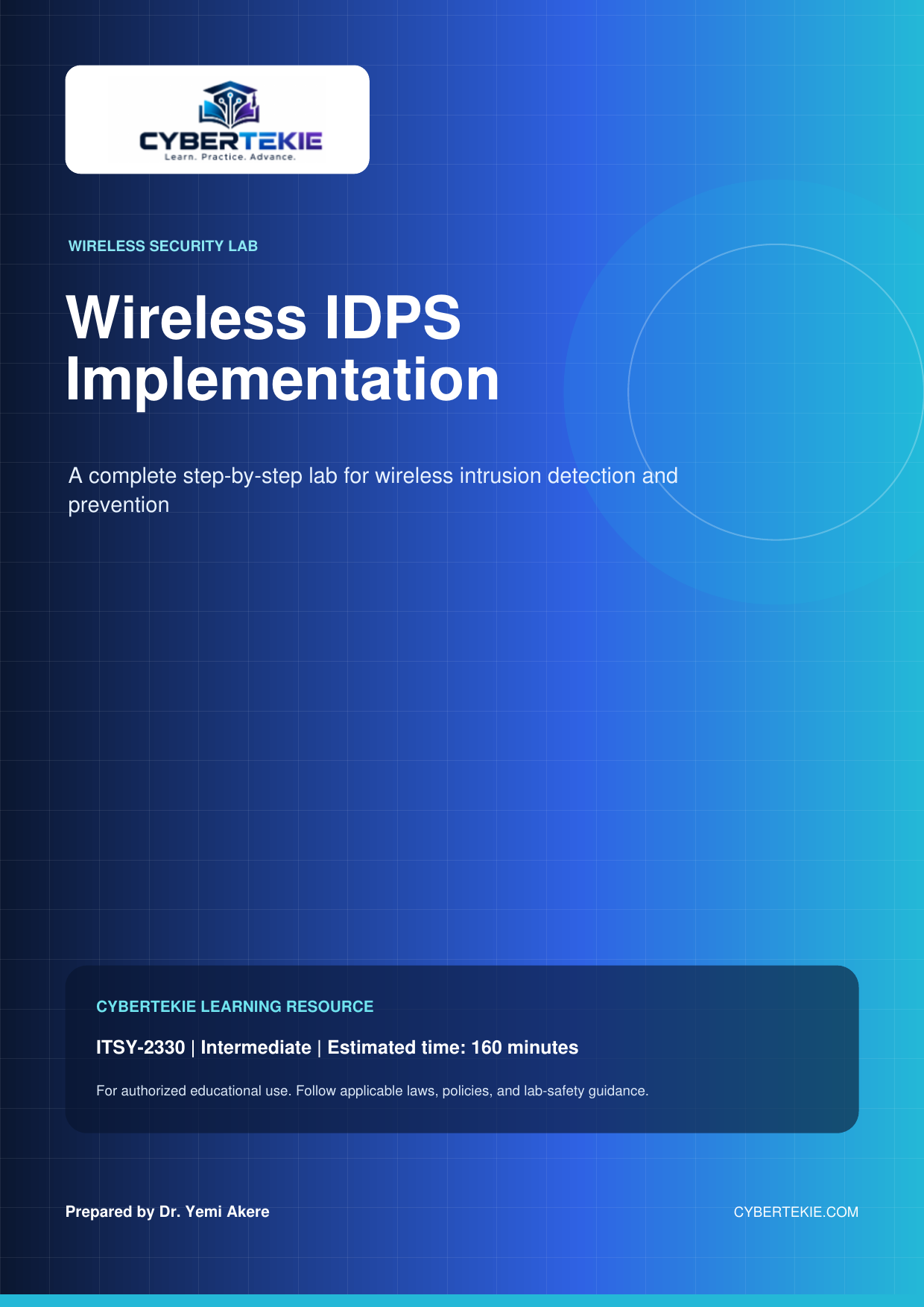
Wireless IDPS Implementation
21 pages · ITSY-2330 · Intermediate · 160 minutes
A complete step-by-step lab for wireless intrusion detection and prevention for ITSY-2330, at intermediate level with an estimated completion time of 160 minutes. Install and configure Kismet, discover wireless networks, create a baseline, test rogue access-point detection, and simulate deauthentication, evil-twin, and MAC-spoofing attacks before analysis and reporting.
Topics
- Kismet installation and configuration
- Wireless network discovery
- Authorized device baseline and whitelist
- Rogue AP detection
- Deauthentication attack
- Evil twin attack
- MAC spoofing detection
- Analysis and reporting
Firewalls & Network Security
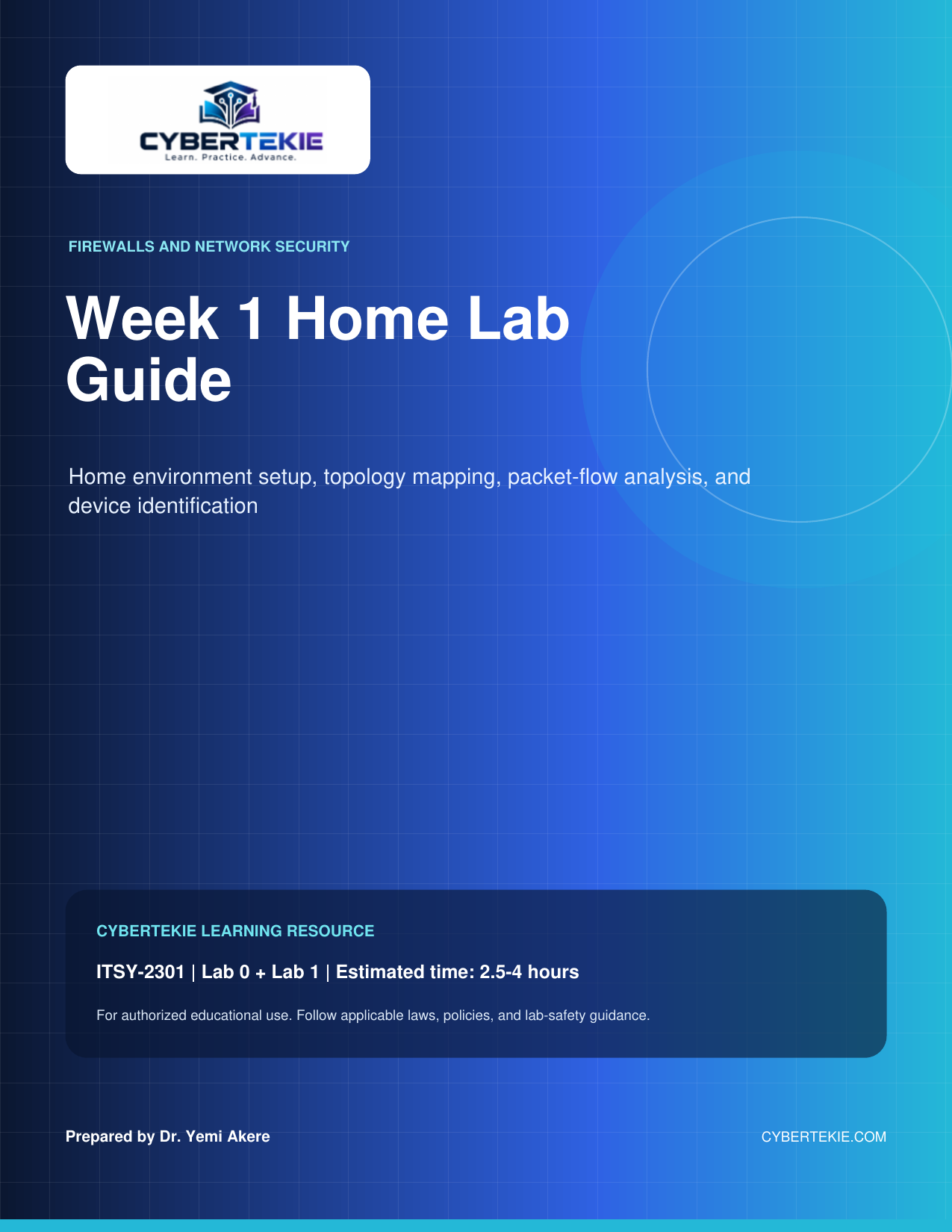
Firewalls and Network Security: Week 1 Home Lab Guide
16 pages · ITSY-2301 · 2.5–4 hours
Week 1 home lab for ITSY-2301 (Lab 0 + Lab 1), estimated at 2.5–4 hours, covering home environment setup, topology mapping, packet-flow analysis, and device identification. Install a desktop hypervisor, create a Windows 10 VM, and collect and interpret hostname, IP addressing, gateway, MAC, and DNS information using ping, ipconfig /all, and tracert.
Topics
- Hypervisor installation
- Windows 10 VM creation
- Device identification and addressing
- Network topology diagram
- Packet flow analysis with ping, ipconfig /all, and tracert
- Lab report documentation
Applied Cryptography
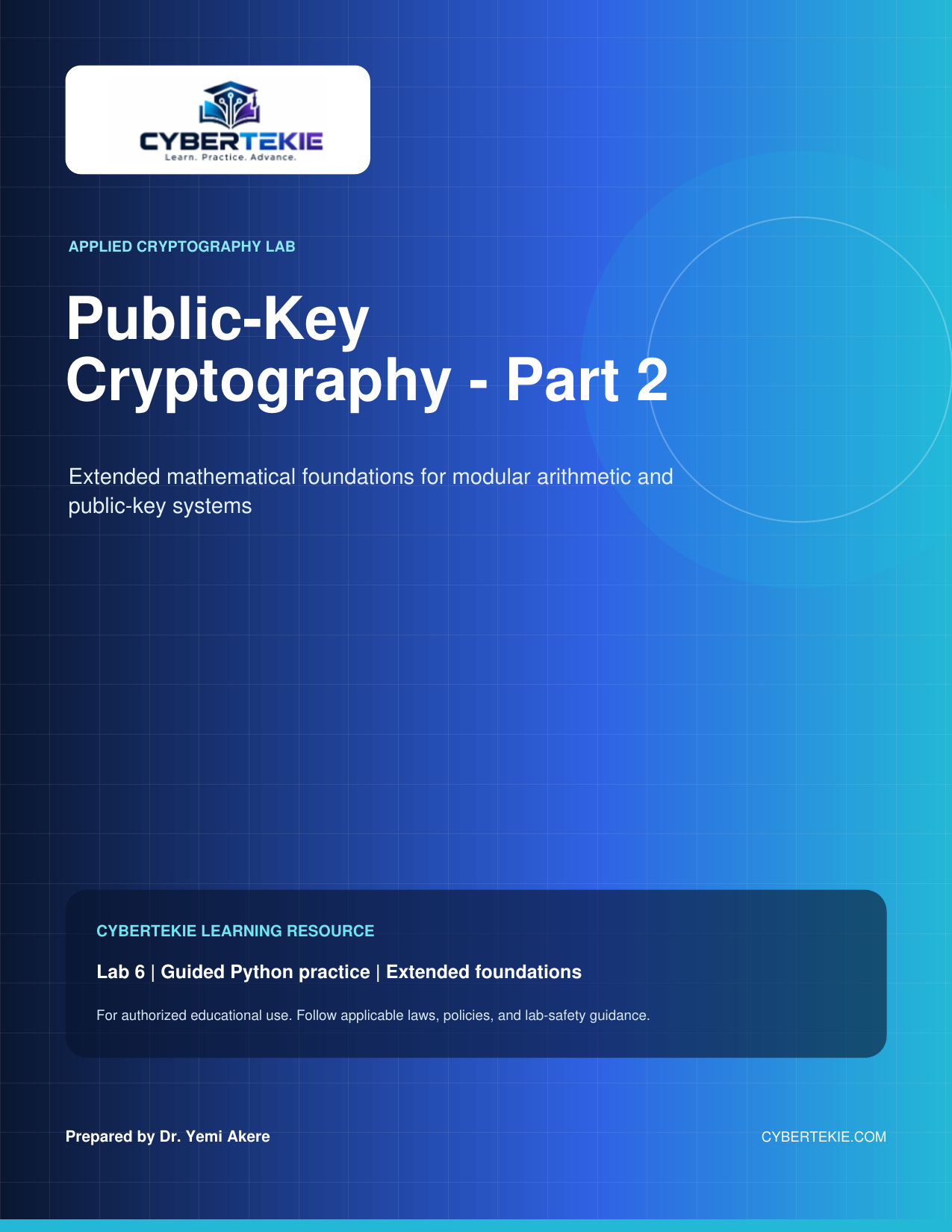
Public-Key Cryptography – Part 2
45 pages · Lab 6 · Guided Python practice
Lab 6 extends the mathematical foundations for modular arithmetic and public-key systems through guided Python practice. Work through Exercise 6, the Extended Euclidean Algorithm and modular inverses used in RSA key generation, and Exercise 7, Euler’s Phi Function and its connection to RSA.
Topics
- Extended Euclidean Algorithm
- Bezout coefficients
- Modular multiplicative inverses
- RSA key generation
- Euler’s Phi (totient) function
- Guided Python practice
Network Defense
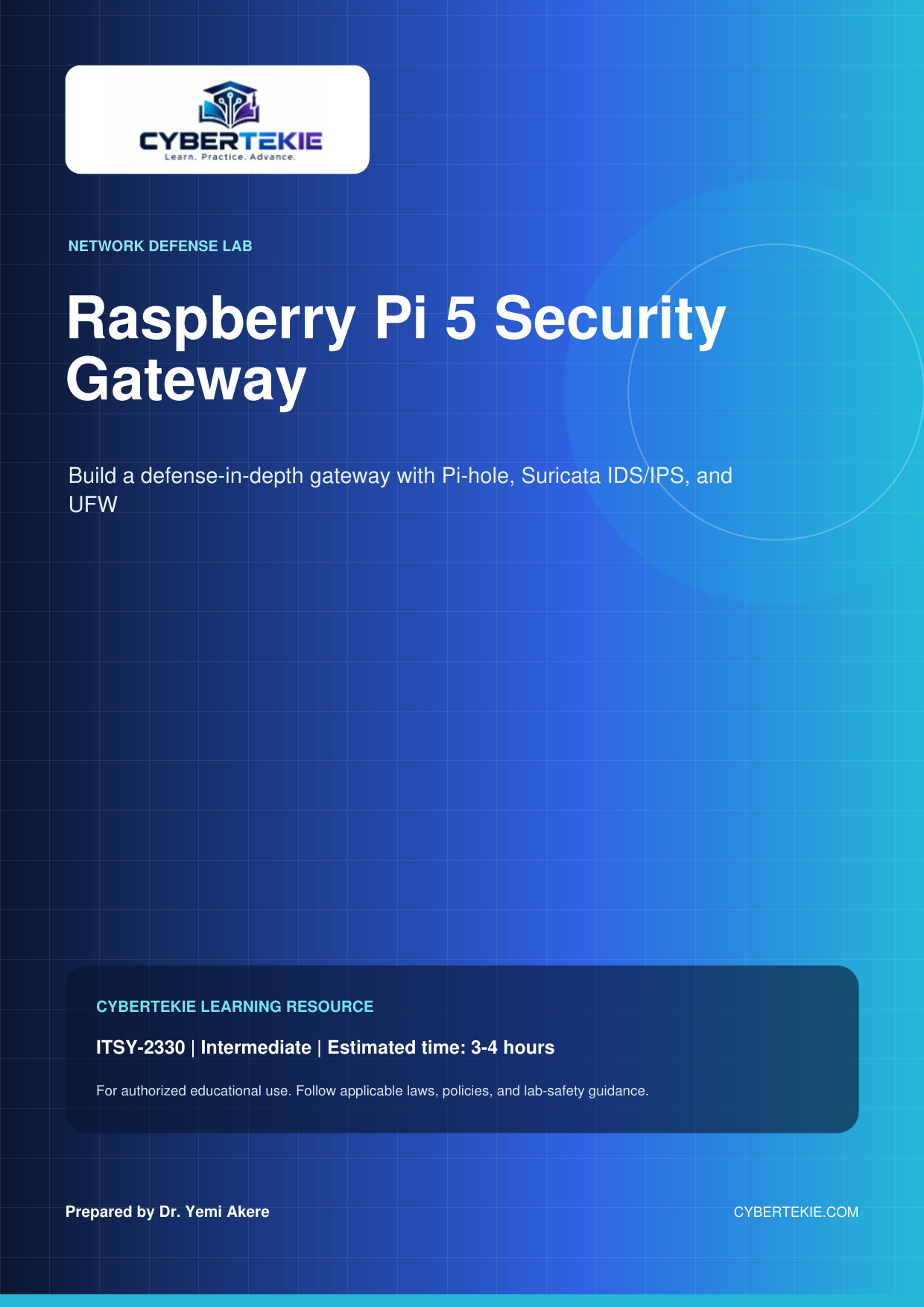
Raspberry Pi 5 Security Gateway
21 pages · ITSY-2330 · Intermediate · 3–4 hours
Build a defense-in-depth security gateway on a Raspberry Pi 5 for ITSY-2330, at intermediate level in an estimated 3–4 hours. Configure UFW packet filtering, Suricata IDS/IPS deep packet inspection, and Pi-hole DNS-level blocking, then analyze traffic patterns and security event logs.
Topics
- Defense-in-depth architecture
- UFW firewall packet filtering
- Suricata IDS/IPS
- Pi-hole DNS filtering
- Static IP configuration
- Traffic and security log analysis
Cybersecurity Education
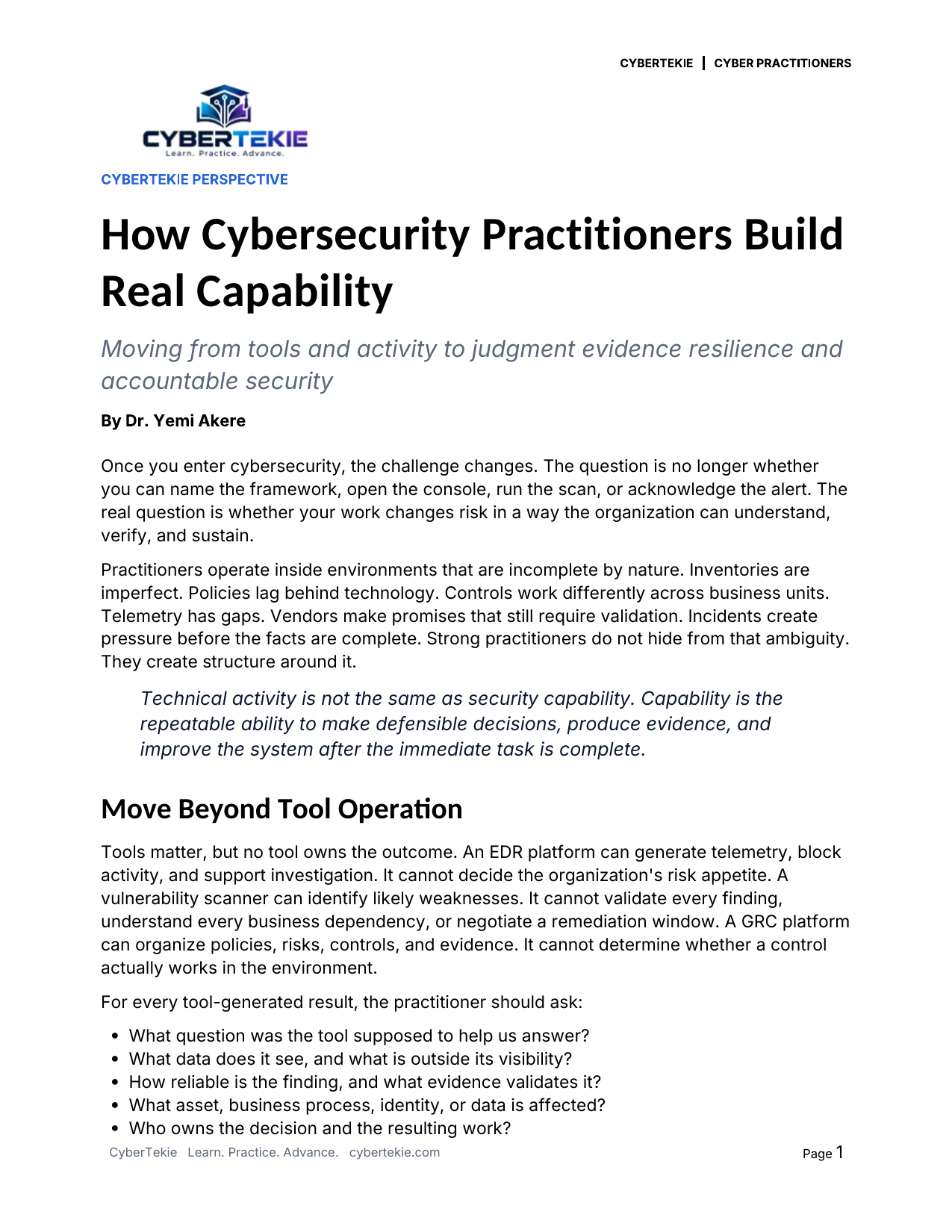
How Cybersecurity Practitioners Build Real Capability
6 pages · CyberTekie Perspective · Cyber practitioners
Once you enter cybersecurity, the real question is whether your work changes risk in a way the organization can understand, verify, and sustain. This guide distinguishes technical activity from real capability — the repeatable ability to make defensible decisions, produce evidence, and improve the system after the immediate task is complete.
Topics
- Move Beyond Tool Operation
- Use a Complete Investigation Loop
- Translate Technical Findings Into Business Decisions
- Treat Governance as Operational Infrastructure
- Make Evidence Part of the Design
- Build Resilience Through Exercises and Feedback
- Documentation Is Part of the Control
- Use Automation and Artificial Intelligence With Accountability
- Develop Range Without Becoming Superficial
- A 90 Day Capability Renewal Plan
- Teach Share and Strengthen the Profession
- The Standard Is Defensible Improvement
Cybersecurity Education
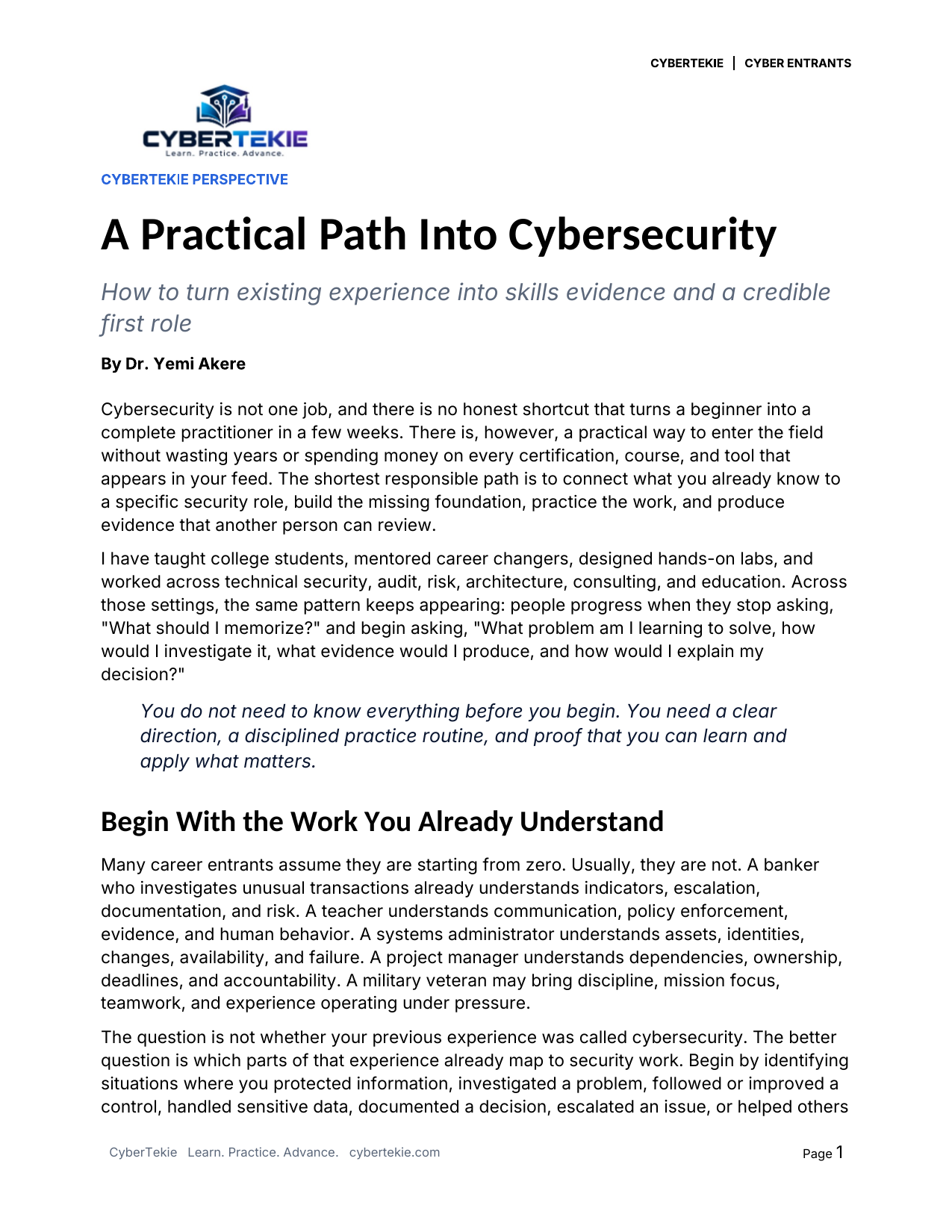
A Practical Path Into Cybersecurity
6 pages · CyberTekie Perspective · Cyber entrants
A practical entry guide that connects what you already know to a specific security role, builds the missing foundation, and practices the work. It focuses on producing evidence another person can review, rather than collecting certifications, courses, and tools without direction.
Topics
- Begin With the Work You Already Understand
- Understand the Progression Before Choosing Tools
- Choose a Credible First Lane
- Build Foundations That Transfer Across Roles
- Practice the Work and Preserve the Evidence
- Use Certifications as Structure Not Identity
- Build a Portfolio That Supports Your Resume
- Network With Purpose and Find Mentors
- A Practical 90 Day Entry Plan
- Avoid the Traps That Delay Progress
- The Goal Is Credible Momentum
Ethical Hacking
Ethical Hacking 80-Command Cheat Sheet
11 pages · Student Handbook · Field Reference
A practical Linux and security reference with 80 numbered entries across eight topics, from reconnaissance and packet analysis to password auditing and system administration. Use only on systems, accounts, networks and data you own or are explicitly authorized to test.
Topics
- Reconnaissance
- Network and wireless testing
- Web application testing
- Exploitation tools and local privilege review
- Password auditing and cryptography
- Persistence concepts and administration
- File transfer, firewall and filesystem operations
- Advanced inspection and maintenance
Security Tools
Security Tool Command Reference
34 pages · Student Handout 04 · Learning Series
Reference commands and guidance for sixteen security tools, including web scanners, packet analyzers, wireless tools, password auditors and Windows assessment frameworks. Student Handout 04 in the Cybersecurity Learning Series.
Topics
- WPScan
- Wireshark and TShark
- Nuclei
- Mimikatz Windows lab reference
- Kismet
- SQLmap
- Hydra
- Medusa
- Subfinder
- Ettercap
- NetExec
- Aircrack-ng suite
- John the Ripper
- Hashcat
- Metasploit console
- Nmap compact reference
Network Defense
Nmap Beginner Guide
10 pages · Student Handout 03 · Beginner
Nmap syntax, target selection, scan techniques, host discovery, port selection, version and OS detection, timing, NSE scripting and output. Student Handout 03 in the Cybersecurity Learning Series.
Topics
- Syntax and target selection
- Scan techniques and discovery
- Ports, services and versions
- OS detection and timing
- NSE script selection
- Output and common workflows
- Compact reference and interpretation
Security Tools
Security Tools by Category
14 pages · Student Handout 02 · Learning Series
Tools for information gathering, web assessment, wireless analysis, password auditing, forensics, malware analysis and OSINT. Student Handout 02 in the Cybersecurity Learning Series, organized by assessment category.
Topics
- Information gathering
- Vulnerability analysis
- Web application analysis
- Wireless analysis
- Password auditing
- Exploitation tools
- Digital forensics
- Web application testing
- Vulnerability scanning
- Malware analysis
- OSINT tools
Cybersecurity Education
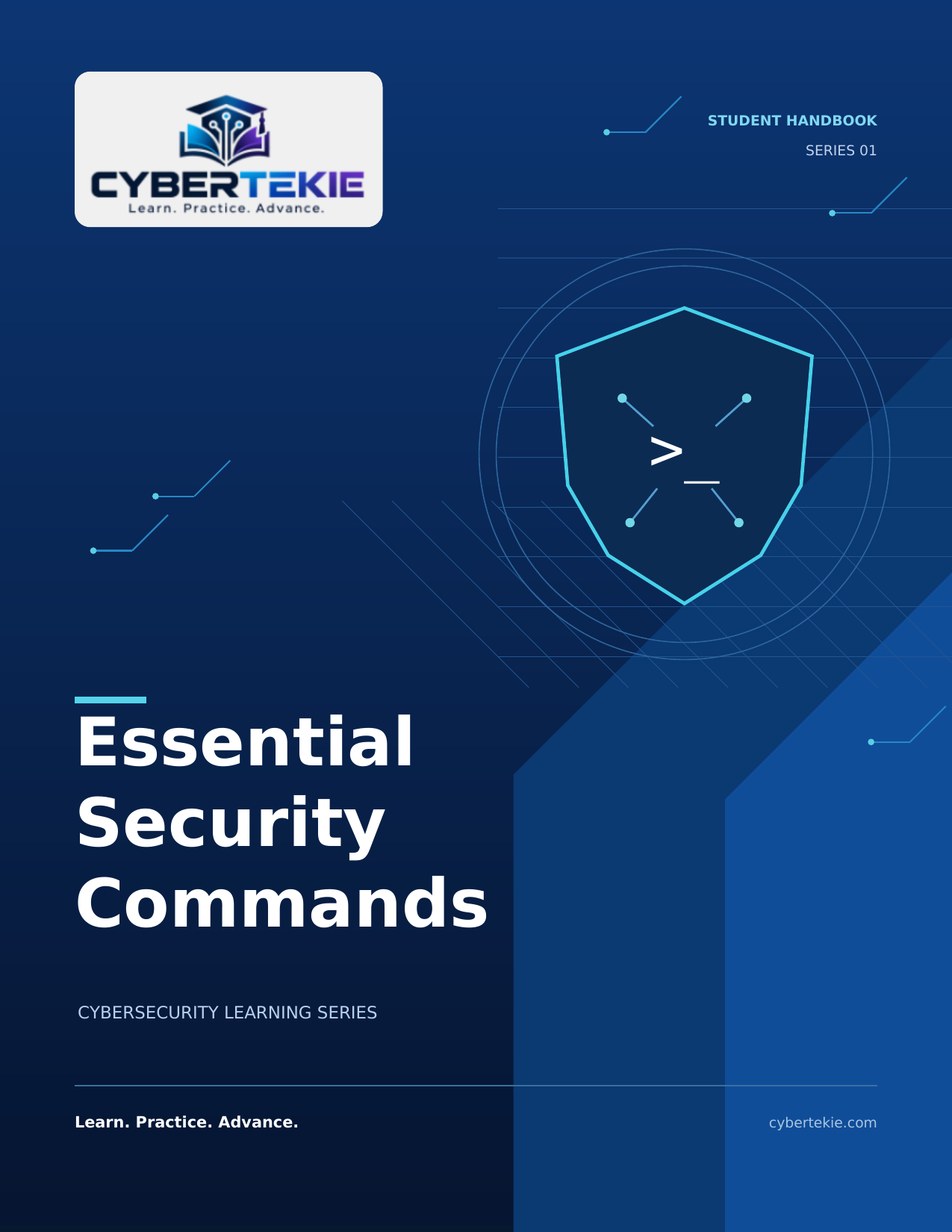
Essential Security Commands
9 pages · Student Handout 01 · Learning Series
Reconnaissance, enumeration, network analysis, web checks, system inspection, file handling and firewall review. Student Handout 01 in the Cybersecurity Learning Series for essential security commands.
Topics
- Reconnaissance
- Enumeration
- Network analysis
- Web checks
- System inspection
- Files and firewall
How it works
1. Browse previews
Browse the resource previews and topics on this page to find the lab or guide you need.
2. Add to cart & free checkout
Add the free resource to your cart and complete the free checkout. Checkout creates your account.
3. Download from My Account/Downloads
After checkout, download the full PDF from My Account / Downloads.