-
$0.00
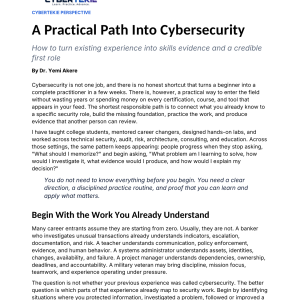
A practical entry guide that connects what you already know to a specific security role, builds the missing foundation, and practices the work. It focuses on producing evidence another person can review, rather than collecting certifications, courses, and tools without direction. Pages: 6. CyberTekie Perspective · Cyber entrants
-
$0.00
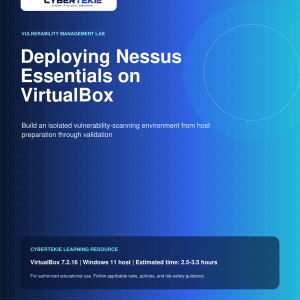
Build an isolated vulnerability-scanning environment on a Windows 11 host with VirtualBox 7.2.16, from host preparation through validation. The guide covers creating the scanner VM, installing Ubuntu Server 24.04 LTS and Nessus Essentials, building a target VM, running a first scan, and analyzing the results. Pages: 22. 2.5–3.5 hours
-
$0.00
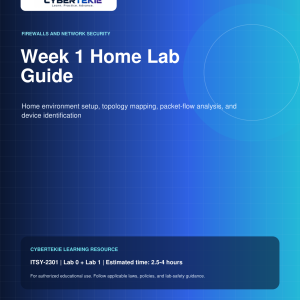
Week 1 home lab for ITSY-2301 (Lab 0 + Lab 1), estimated at 2.5–4 hours, covering home environment setup, topology mapping, packet-flow analysis, and device identification. Install a desktop hypervisor, create a Windows 10 VM, and collect and interpret hostname, IP addressing, gateway, MAC, and DNS information using ping, ipconfig /all, and tracert. Pages: 16. ITSY-2301 · 2.5–4 hours
-
$0.00
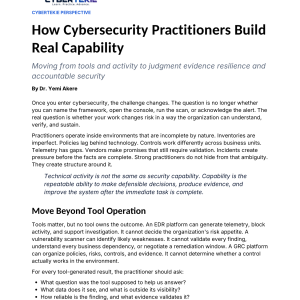
Once you enter cybersecurity, the real question is whether your work changes risk in a way the organization can understand, verify, and sustain. This guide distinguishes technical activity from real capability — the repeatable ability to make defensible decisions, produce evidence, and improve the system after the immediate task is complete. Pages: 6. CyberTekie Perspective · Cyber practitioners
-
$0.00
A step-by-step investigation guide with screenshot checkpoints for CYBR-3320. Perform a structured forensic review across Windows and Linux artifacts from the same simulated investigation, correlating registry evidence, log evidence, file-system traces, and recovered artifacts into a unified timeline and report. Pages: 27. CYBR-3320 · Hands-on investigation
-
$0.00
Lab 6 extends the mathematical foundations for modular arithmetic and public-key systems through guided Python practice. Work through Exercise 6, the Extended Euclidean Algorithm and modular inverses used in RSA key generation, and Exercise 7, Euler’s Phi Function and its connection to RSA. Pages: 45. Lab 6 · Guided Python practice
-
$0.00
Build a defense-in-depth security gateway on a Raspberry Pi 5 for ITSY-2330, at intermediate level in an estimated 3–4 hours. Configure UFW packet filtering, Suricata IDS/IPS deep packet inspection, and Pi-hole DNS-level blocking, then analyze traffic patterns and security event logs. Pages: 21. ITSY-2330 · Intermediate · 3–4 hours
-
$0.00
A complete step-by-step lab for wireless intrusion detection and prevention for ITSY-2330, at intermediate level with an estimated completion time of 160 minutes. Install and configure Kismet, discover wireless networks, create a baseline, test rogue access-point detection, and simulate deauthentication, evil-twin, and MAC-spoofing attacks before analysis and reporting. Pages: 21. ITSY-2330 · Intermediate · 160 minutes